Managing recordings
Setup → Recordings is where a person’s banked phrases live. To record one:
- In Button, choose which button the phrase belongs to. Buttons that already have a recording show a ✓.
- Press ● Record, speak the phrase, then press ■ Stop. (Import audio… attaches an existing audio file instead.)
- Listen to the original and trimmed takes, then press Save trimmed (or Discard and try again).
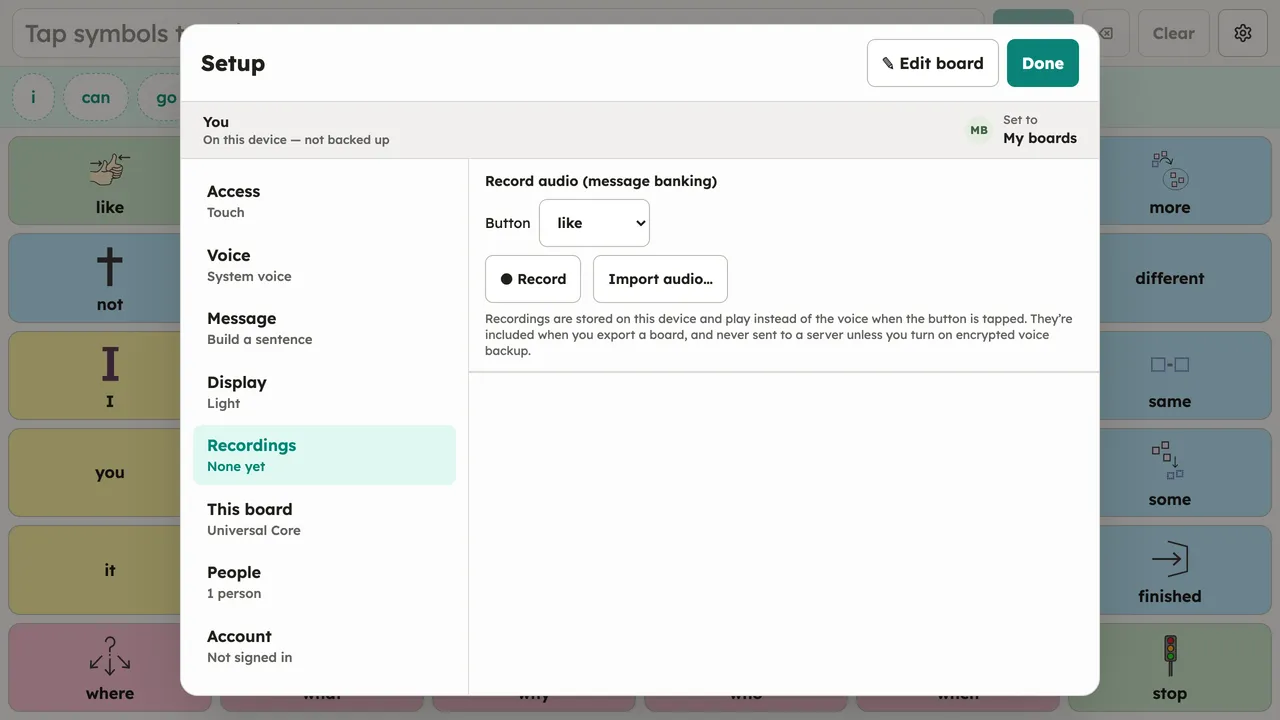
Saved phrases appear under Recorded messages, where each can be played back or deleted; Clear recording detaches the recording from the selected button. A recorded phrase plays on any button that speaks the same words, on any board. How that matching works is covered in Message banking.
Recording needs a microphone and a secure page (the installed app, or https). Where recording isn’t available, importing an audio file still works.