Per-person settings
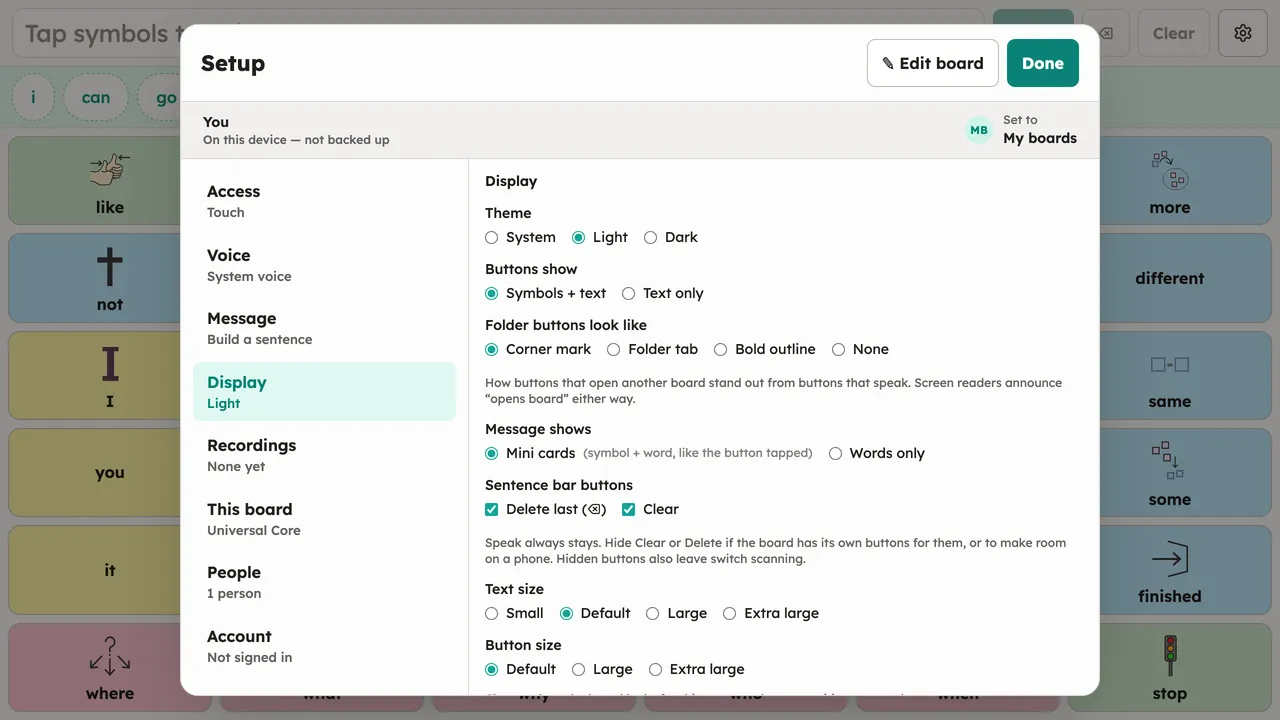
Almost everything in Setup is stored on the person, not the device: theme, text and button sizes, folder-button style, sentence-bar layout, voice, access method, and message mode all travel with the person. Switch who the device is set to and the whole configuration follows. If the person’s boards sync to an account, their settings reach their other devices too.
Several boards per person
Section titled “Several boards per person”A person can have more than one board — for example a main core board plus a topic board for a trip or an activity. Manage them under Setup → This board:
- The Boards list at the top shows every board this person has. Tap one to switch to it — that becomes the board they see and speak from. Switching leaves Setup open so you can keep managing.
- The New board form adds another. Give it a name (optional) and choose Start from:
- Blank board — an empty grid you fill in (opens the editor straight away).
- A starter size — First words, Small core, or Core words.
- One of your templates — a linked copy of a board from your library (it can pull updates later).
- A copy of a board already on this device — reuse any board, including one belonging to another person on this device.
- A downloadable boardset — e.g. CommuniKate 20 (fetched once, then available offline).
Each board is its own file: it switches, exports, and shares independently, and boards sync per person if the person is signed in to an account. To hand a ready-made board to someone else, save it as a template (Setup → This board → Templates) and assign it from their page under Setup → People (see People).