Skip to content

Touch

Touch is the default: tap a button and it selects. If taps keep landing on the wrong buttons, two settings in Setup → Display make targets more comfortable: Button size (the whole board zooms while every button keeps its position) and Text size.
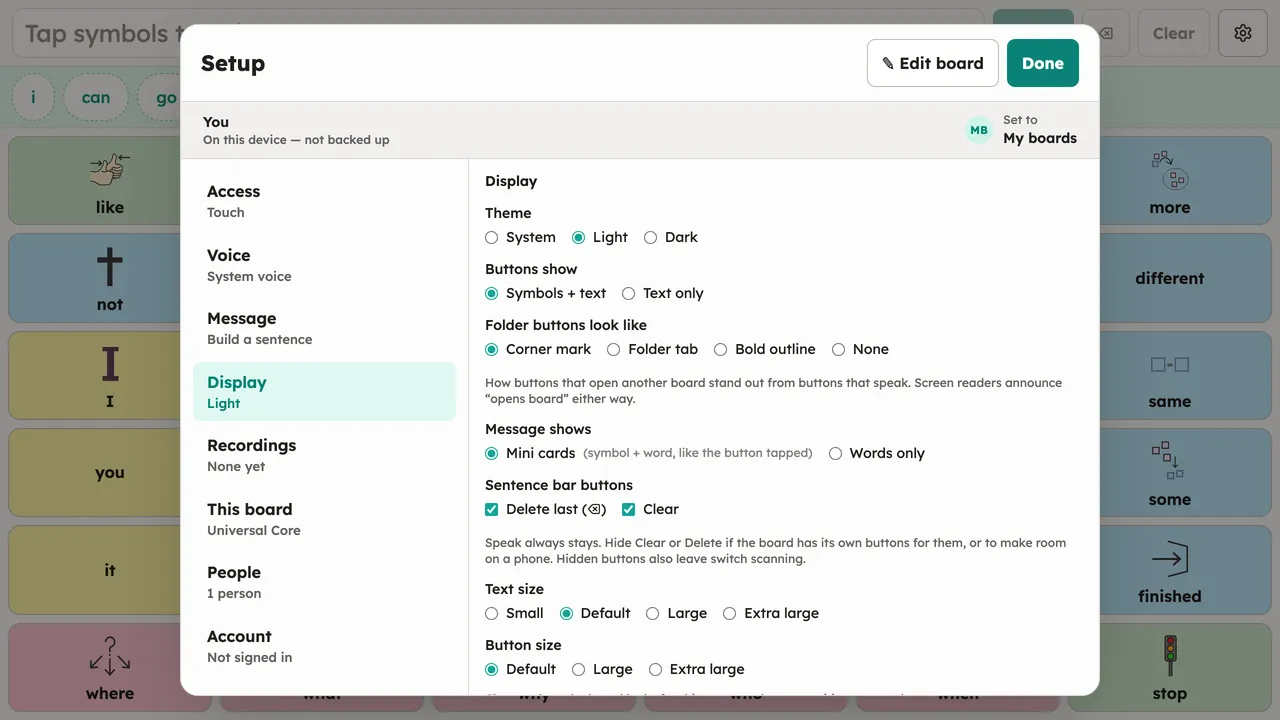
The Setup dialog with the Display section open: theme radios (System/Light/Dark), button content, folder-button style, message style, sentence-bar controls, text size, and button size options. Desktop, light theme.
Setup → Display: button size and text size make touch targets comfortable.