Exporting a board
To save a board out of the app:
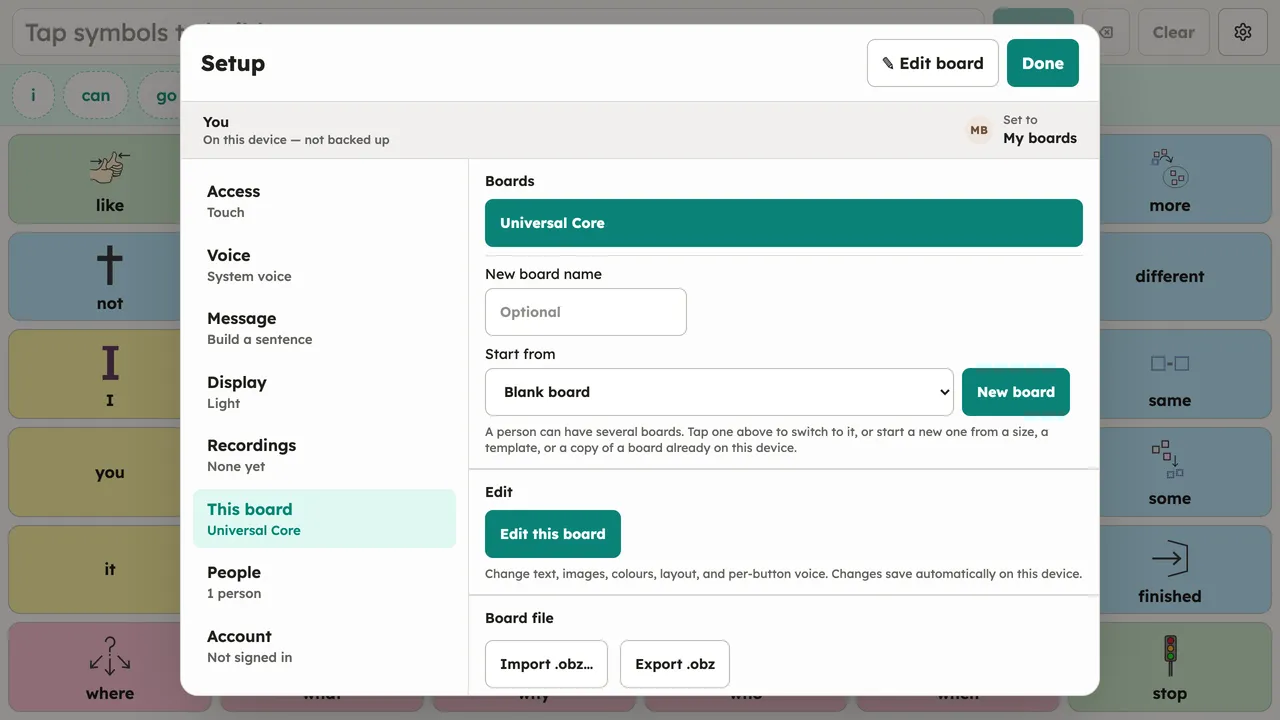
- Open Setup → This board.
- Choose Export. The current board (and everything it links to) saves as a standard
.obzarchive.
The archive opens in Public AAC on any other device and in other OBF-speaking apps, which makes it the simplest backup: a plain file in an open format that you can keep anywhere.