Choosing an access method
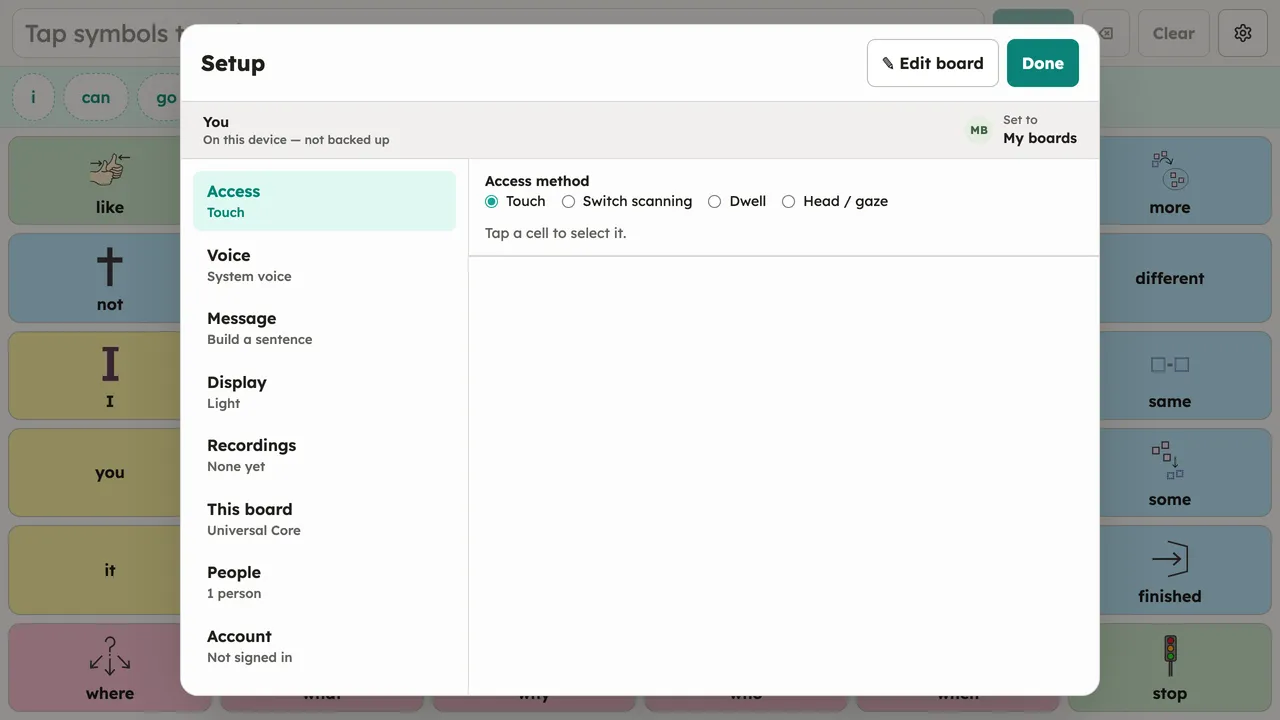
Pick how a person operates the board in Setup → Access. The board itself never changes between methods, so someone can move between them (or mix them) without relearning anything:
| Method | How it selects |
|---|---|
| Touch | Tap a cell to select it. |
| Switch scanning | The highlight steps through cells; press your switch to select. |
| Dwell | Rest the pointer on a cell to select it. |
| Head / gaze | Move your head to point (using the camera); rest on a cell to select. |
If the detected hardware can’t currently drive a method, the app notes that but leaves the method selectable — an external mouse, switch interface, or eye tracker may be plugged in at any time.
Each method has its own settings page: Touch · Switch scanning · Dwell · Head and eye gaze