Head and eye gaze
Setup → Access → Head / gaze turns the device’s camera into a pointer: move your head to point, rest on a cell to select (dwell does the selecting). Calibration is one step, done while looking at the centre of the screen, via the Calibrate… button in the Access panel. Everything runs on the device; camera video never leaves the machine. The tracker’s files download quietly in the background the first time the app is open with a connection, so head / gaze can be turned on later even without one.
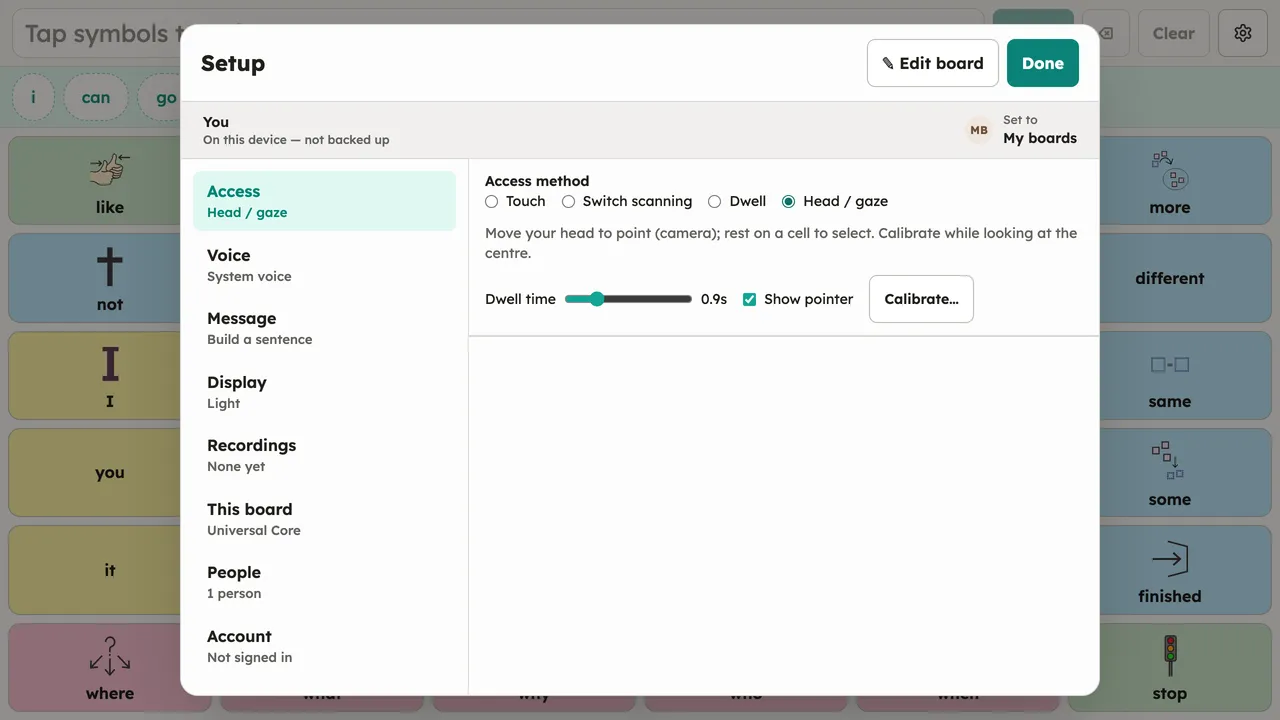
This is the built-in, no-extra-hardware option. Dedicated eye trackers that present as a mouse work with Dwell instead.