What it does
Everything on this page ships today. It all works offline, and none of it costs anything.
Speaking
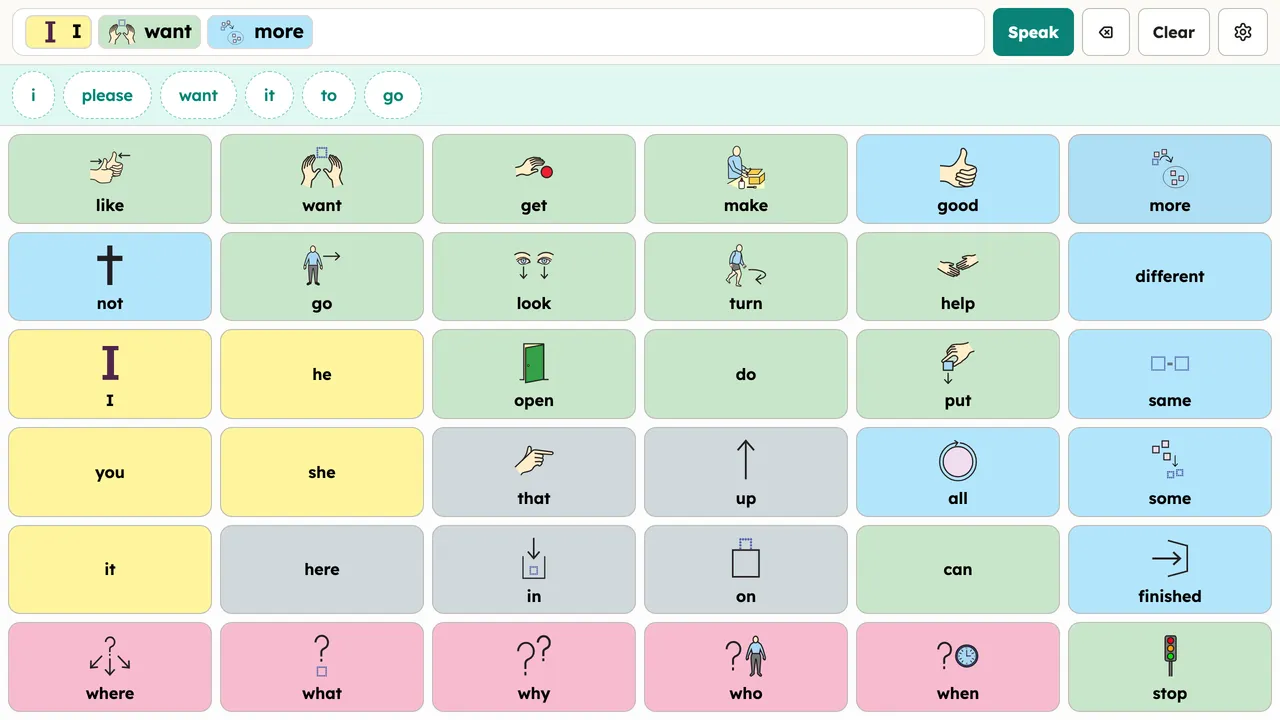
Boards are grids of words and symbols. Tap a button and it speaks, or build a sentence word by word and speak the whole thing; word suggestions can help along the way, but nothing is ever spoken for you. Voices come from the device itself or from downloadable neural voices that also run offline. You can also record real phrases (your own voice, or a family member's) and any button that says those words plays the recording instead. That's message banking, and it matters a lot to people who are losing their speech.
Making it yours
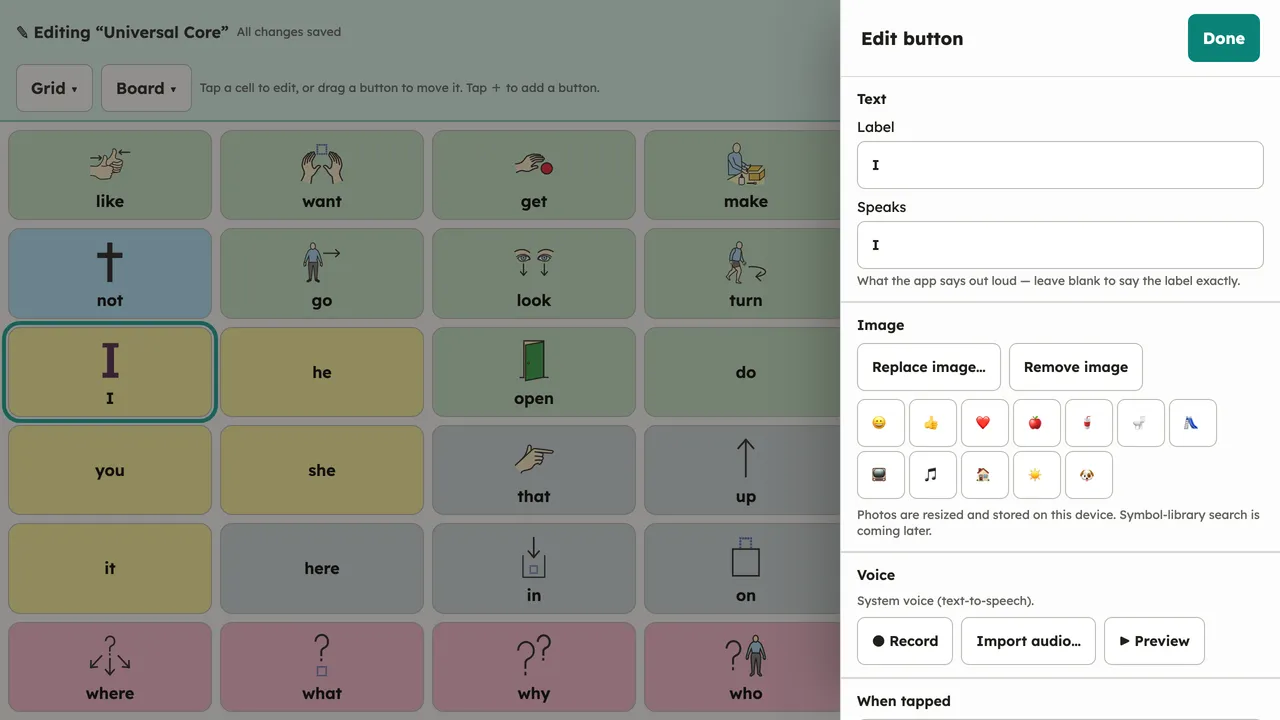
Everything is editable in place: what a button says, its label, its picture, and where it leads. Folder buttons open sub-boards for topics, people, and places. One device can also hold several people, each with their own boards, voice, and settings, which is how a classroom iPad or a therapy-room tablet usually runs.
Ways to use it
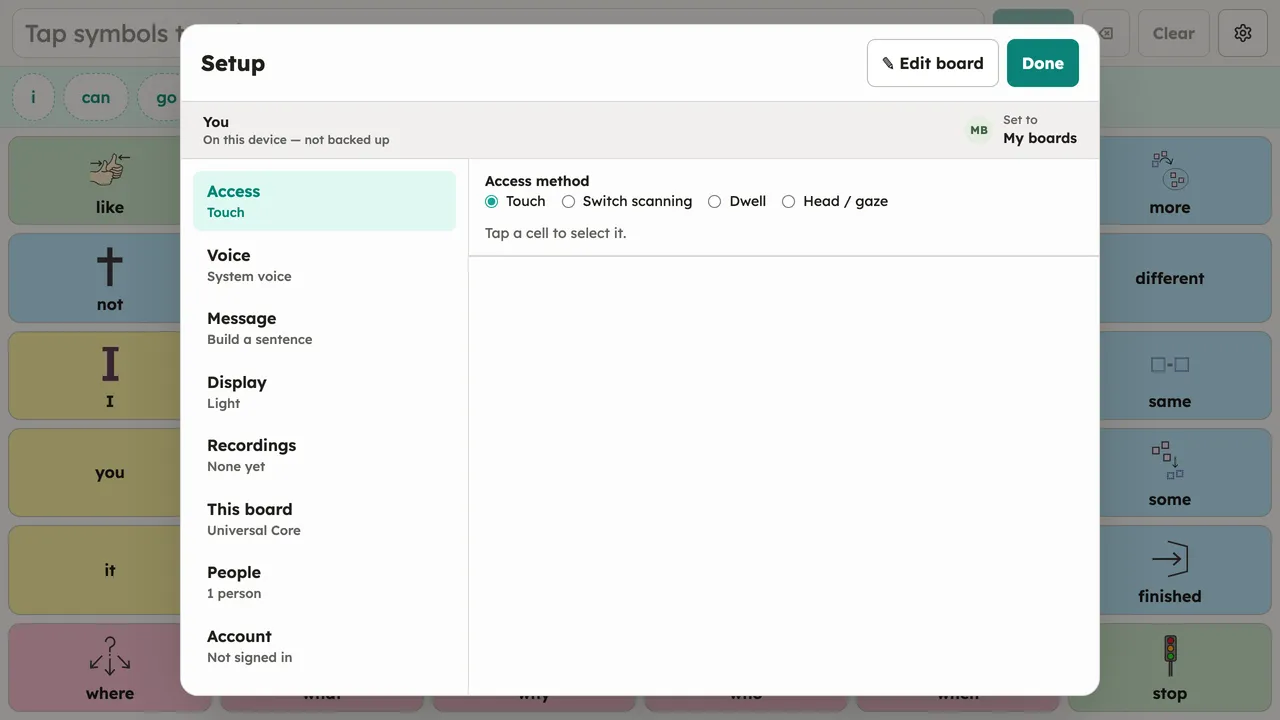
Touch is the default. The same boards also work with switch scanning, dwell, and camera-based head or gaze pointing, chosen per person in Setup. Nothing is forked or simplified for the other methods; it's one board however it's driven (access methods).
Your boards and your data
Boards are ordinary Open Board Format files: boards from other AAC apps import directly, and yours export at any time. Everything lives on the device and keeps working with no internet. A free account is optional; it syncs a person's boards between devices and can share them with a care team, end-to-end encrypted so the server can't read them (what leaves your device).