Accounts and signing in
You never need an account to use Public AAC. An account adds exactly two things: your boards follow you to other devices, and you can share a person’s boards with family members or a care team.
Sign in from Setup → Account with a passkey (Face ID, fingerprint, or device PIN; no password), an email magic link, or a Google / Microsoft account. Accounts are free, and they’re for the adults who set things up: parents, teachers, and therapists.
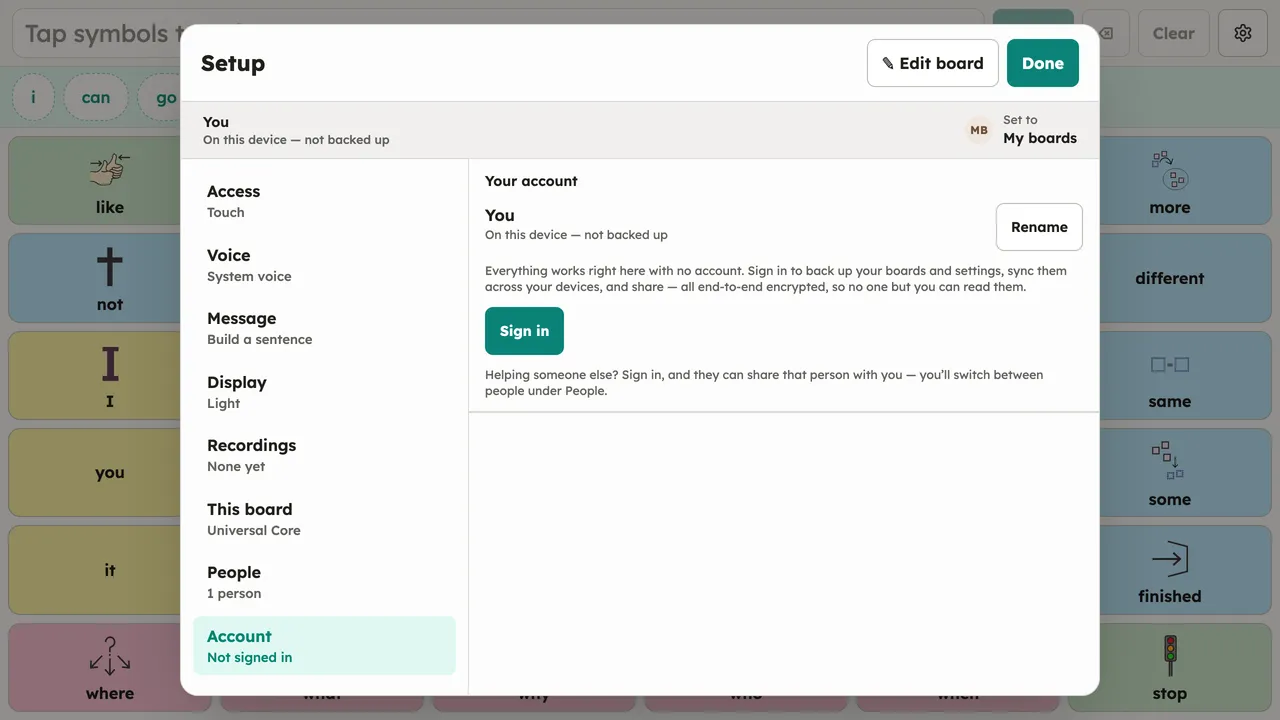
After one unlock, the device stays signed in across restarts until you sign out.