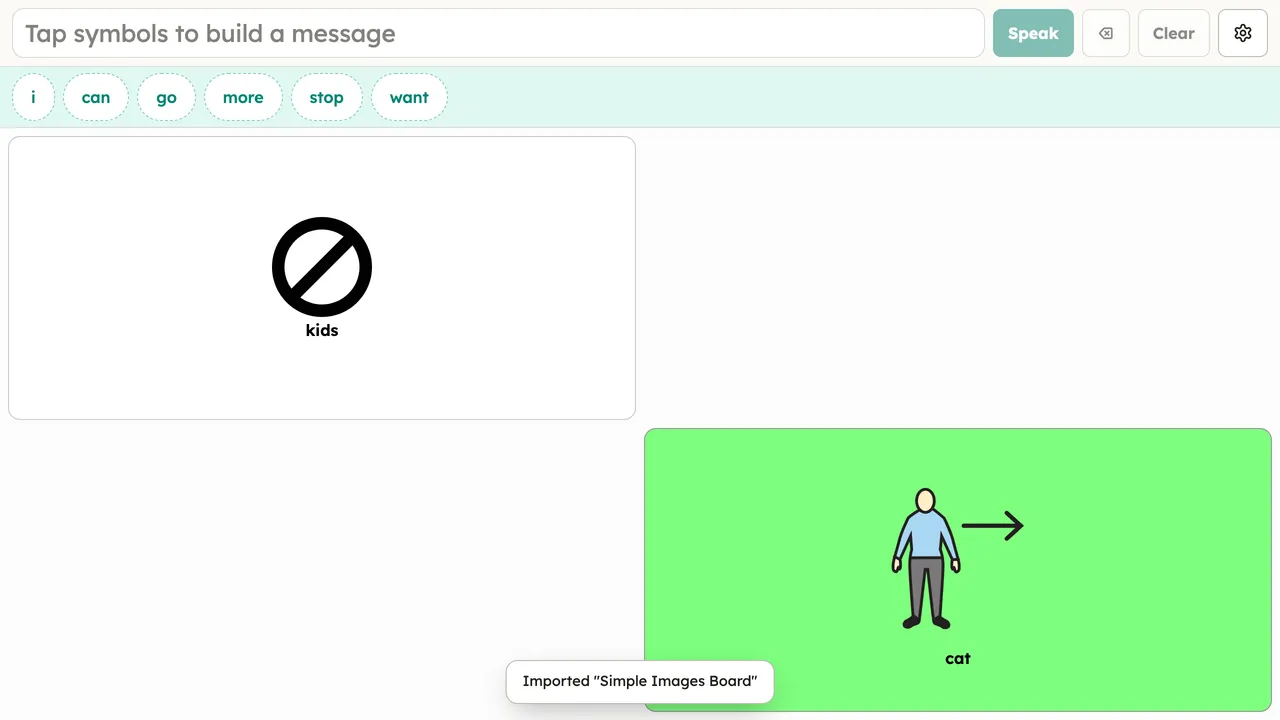
Importing a board
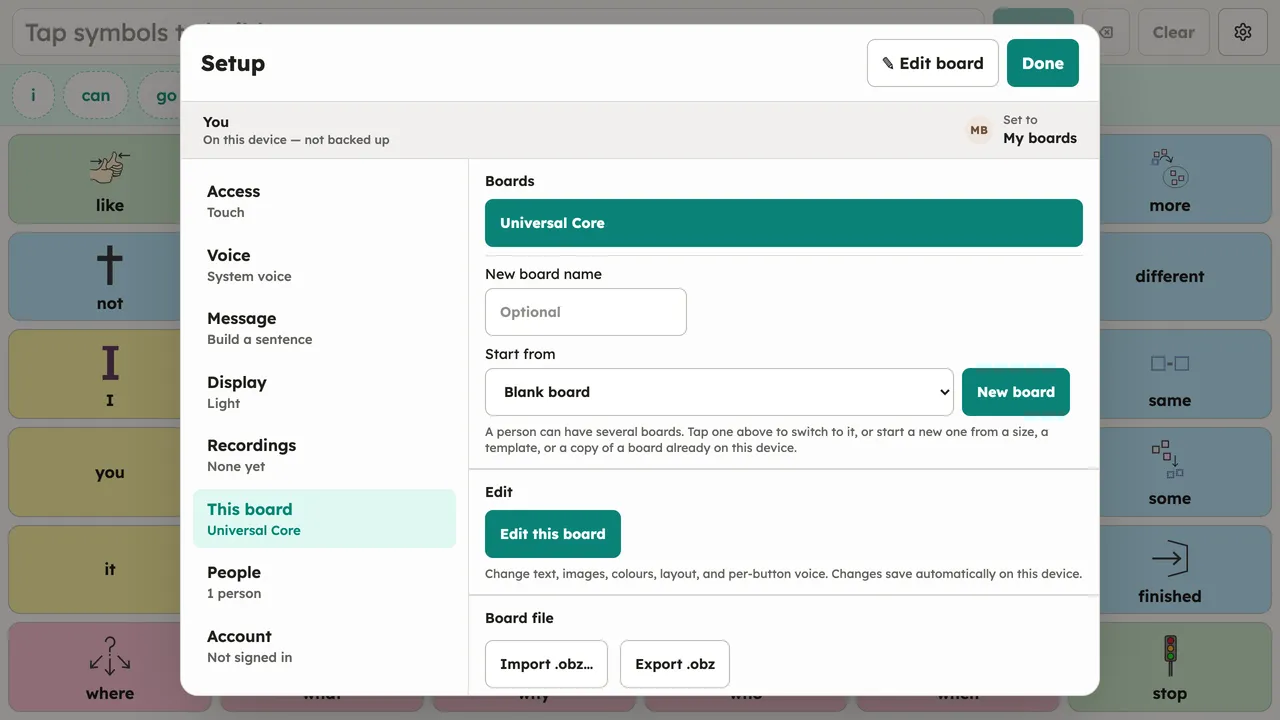
To bring a board into the app:
- Open Setup → This board.
- Choose Import and pick an
.obfor.obzfile. - The imported board becomes the person’s current board.
A multi-board .obz arrives whole: its sub-boards, images, and sounds come along, and
folder buttons keep navigating. Nothing already on the device is deleted.